Display of Flavor Categories on customer view is messed up
Tested on 26.4.2
When selecting a flavor category, the initial default flavor category stays selected
When there are extra columns displayed on the flavor list, it becomes illegible
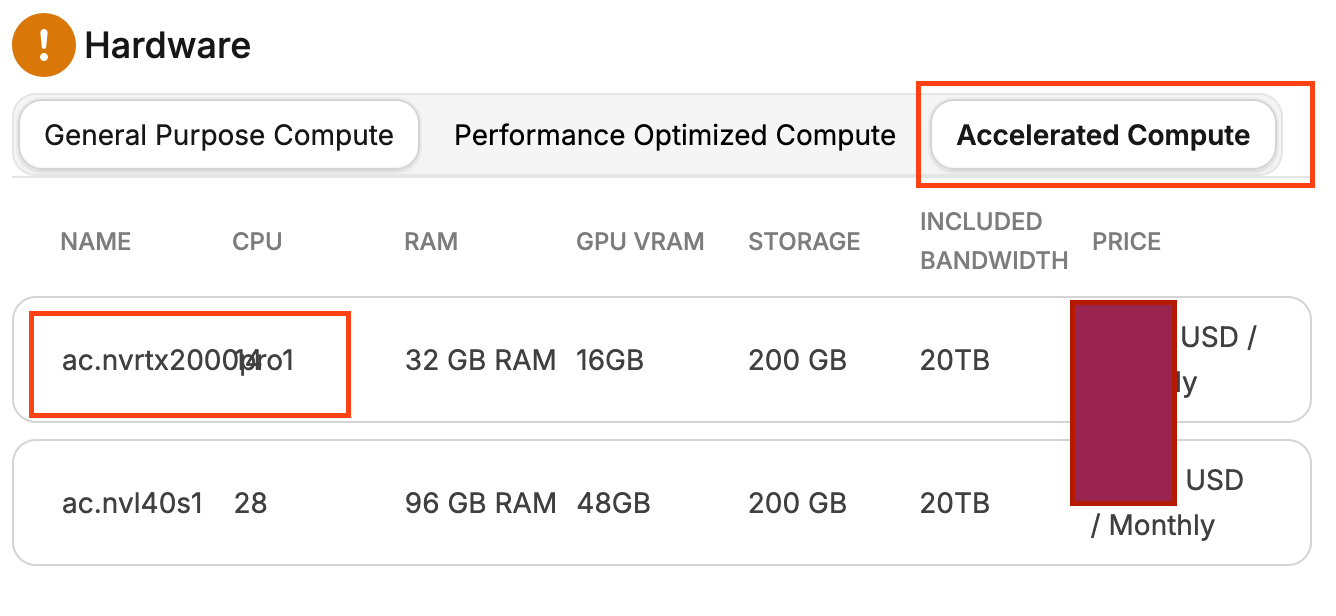
To reproduce, as a customer, I merely went to Create a New Cloud Server, and clicked the 3rd Flavor Category (Accelerated Compute) that I have listed, (General Purpose still remains displayed as selected).
Status: Completed
Log in to comment and vote
No comments yet
Be the first to share your thoughts.