Could you update the Networking > floating ips > associate
screen to include the ip of the port rather than just the guid?
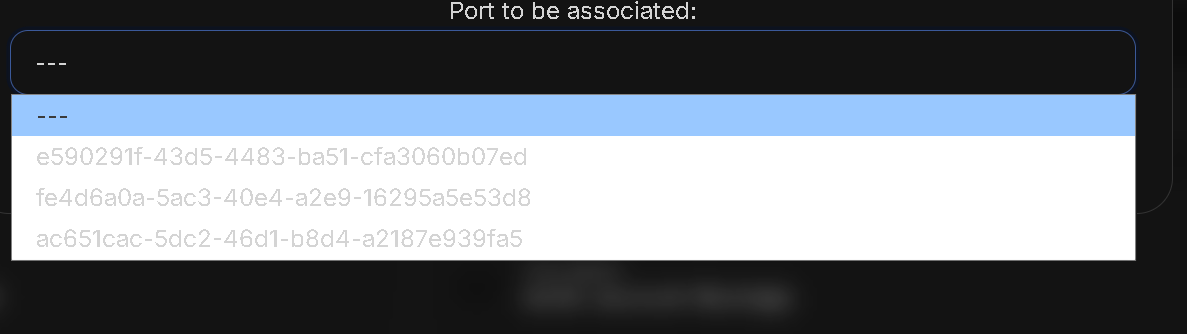
if you go via Networking > floating ips > associate
you see guids,
if you go via the instance,
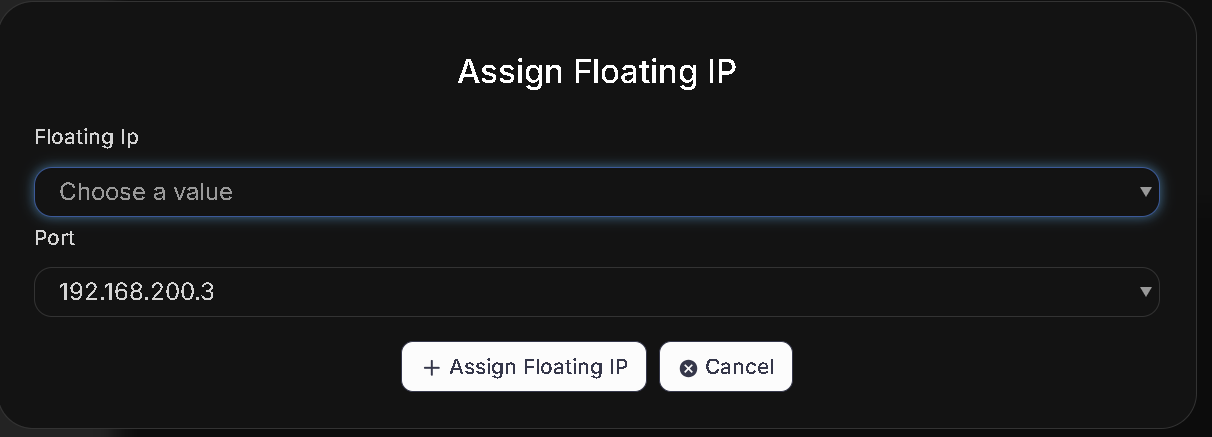
Servers > server > Networking > assign floating ip
You can choose the public ip of the floating ip from those available, and the port displays the actual private ip address, which is a much nicer user experience especially when there are a large number of ports.